
How do I log in to Epica Beauty?
There are two ways to access your Epica Beauty account: automatic login and manual login. If you're having trouble signing in, you can also reset your password.
Option 1 — Log in automatically
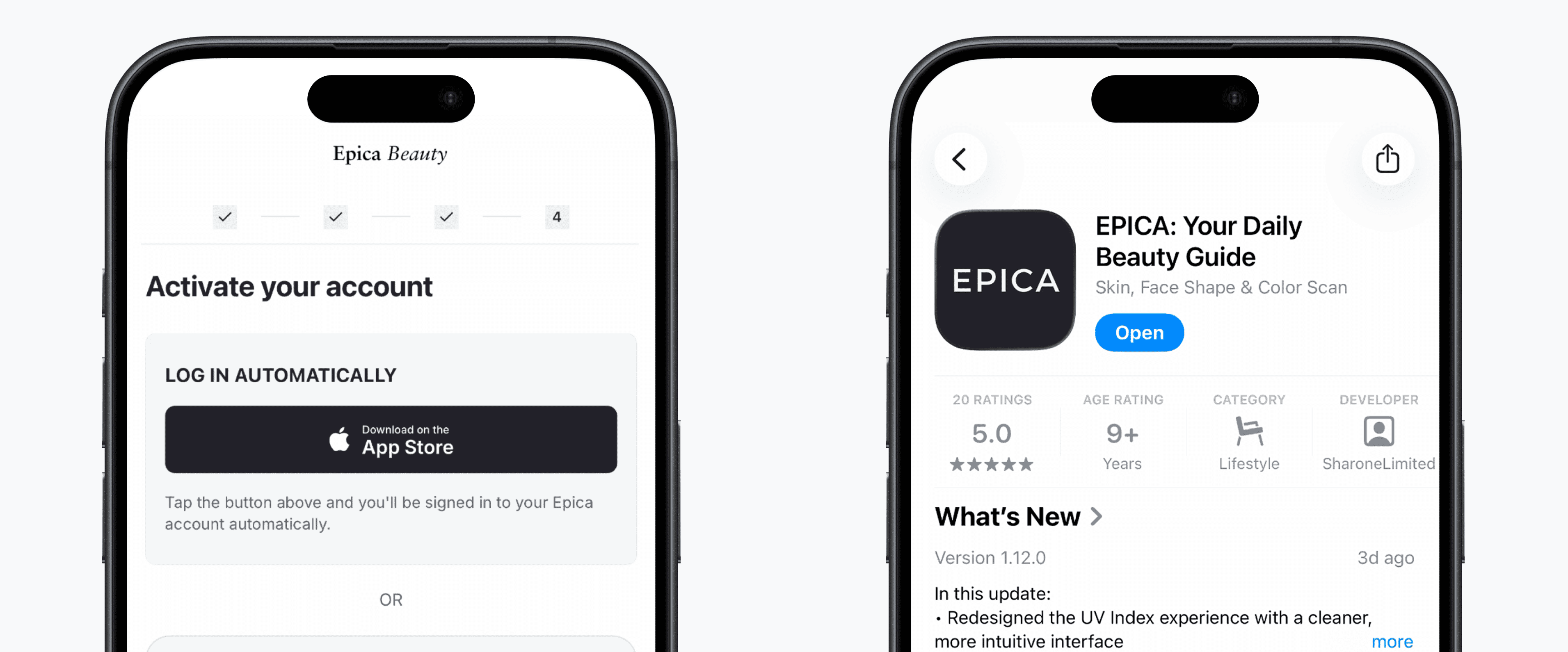
After creating your account, you'll see the Activate your account screen.
- Tap Download on the App Store in the Log in automatically section.
- If Epica Beauty is not installed yet, you’ll be taken to the App Store to download it.
- Open the app and you’ll be signed in automatically using the account you just created.
In most cases, no extra login steps are needed.
Option 2 — Log in manually
If automatic login isn't available, you can sign in manually.
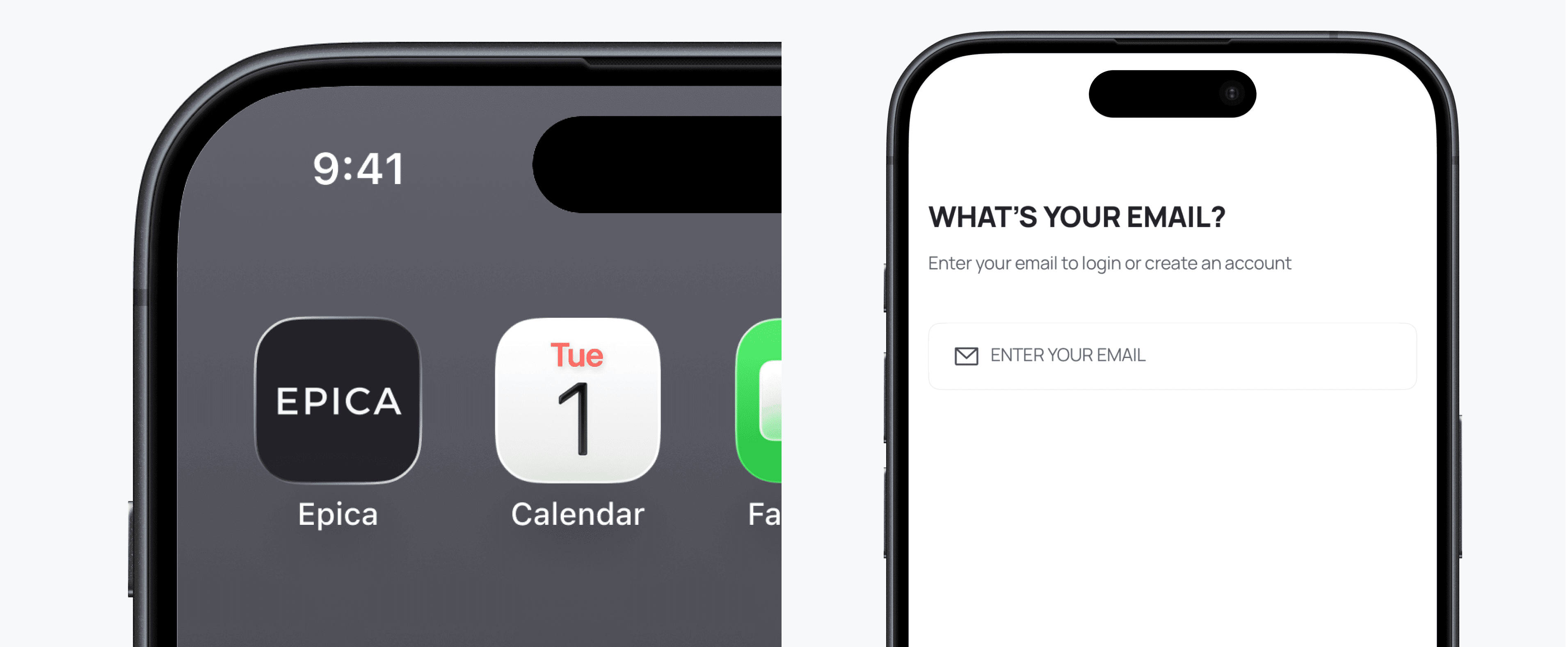
- Open the Epica Beauty app.
- Enter the email address and password associated with your account.
- Tap Log In to access your personalized beauty plan.
Forgot your password?
If you can't remember your password, you can reset it from the login screen.
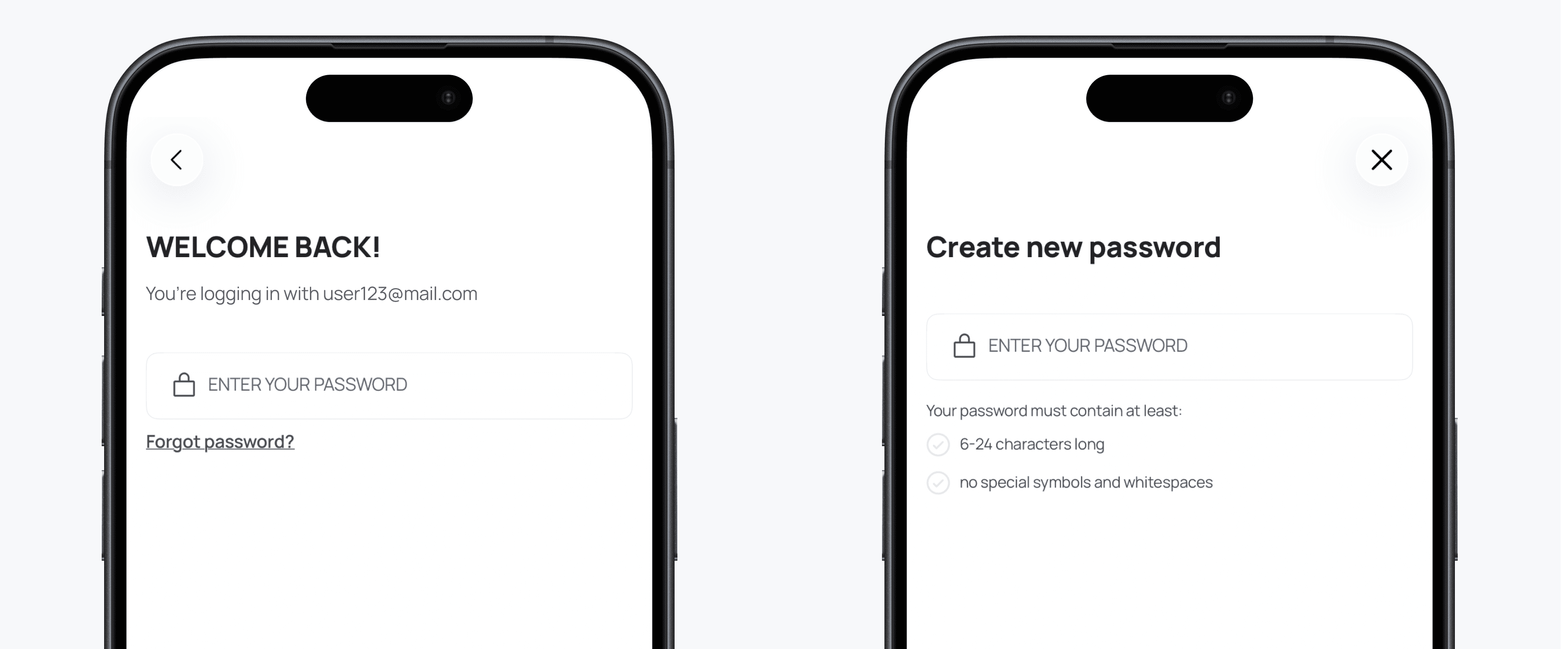
- On the Log In screen, tap Forgot password?
- Enter the email address associated with your account.
- Tap Send reset link.
- Check your inbox for an email from Epica Beauty and open the password reset link.
- Enter a new password, then confirm it.
- Return to the app and log in with your new password.
Having trouble logging in?
Reach our care team any time at epica-beauty.com/contact-us — we usually reply within an hour.